2026 Office Support Trends: What Your Business Needs to Know
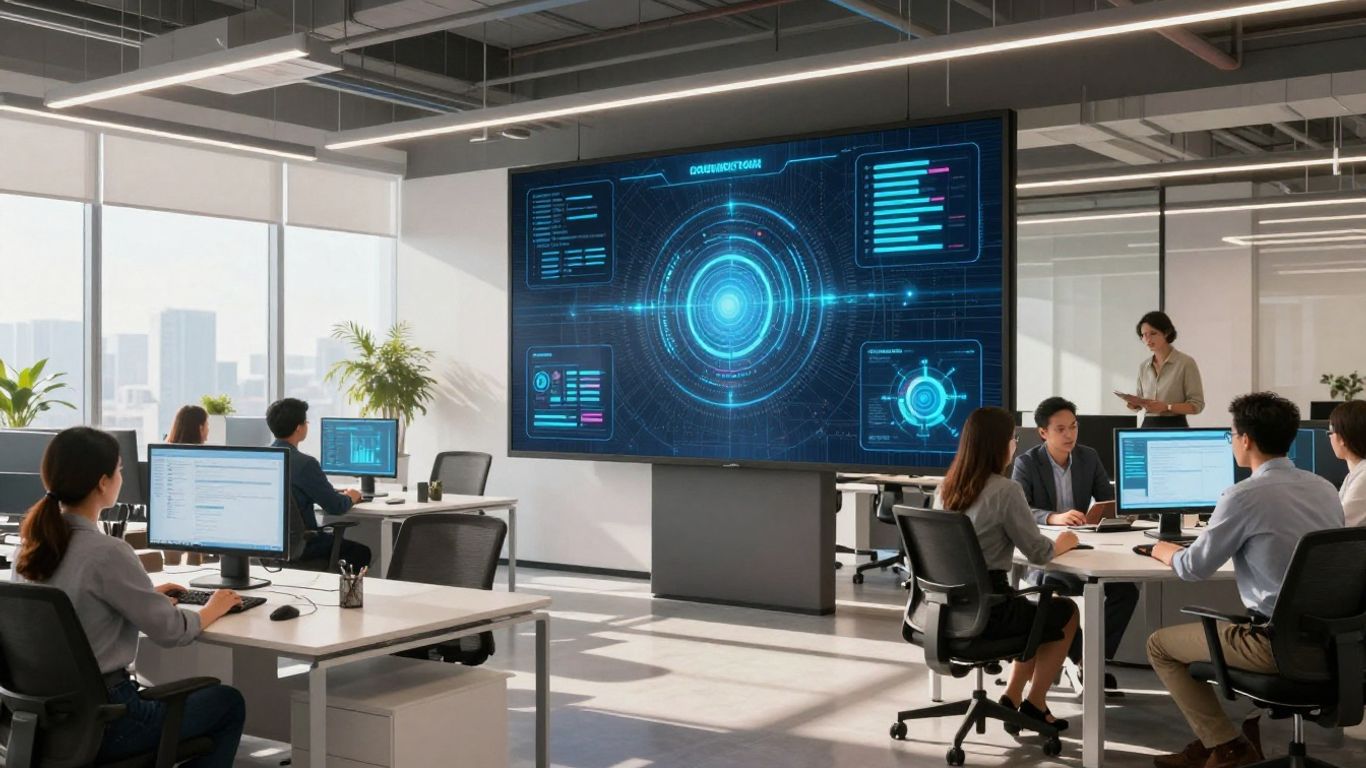
The way we work is always changing, right? It feels like just yesterday we were all figuring out how to use Zoom. Now, for 2026, there are even more shifts happening that businesses really need to pay attention to. These aren't just buzzwords; they're the new normal that can make or break how well your company does. Thinking ahead about these office support trends can help keep your team productive and your business moving forward. Let's look at what's coming up and what you can do to get ready.
Key Takeaways
- Hybrid work is here to stay, but it needs to be planned carefully. Think structured schedules and clear ways for people to connect, not just random days off.
- AI tools, like copilots, are becoming everyday helpers. They can handle boring tasks, freeing up your team for more important stuff.
- Video calls and collaboration platforms are still super important, especially for connecting people who aren't in the same place.
- Having easy ways for people to get to work files and systems from anywhere is a must-have now.
- Small investments in things like better keyboards or mice can make a big difference in how comfortable and productive your employees are, especially in hybrid setups.
1. Hybrid Work Setups
Hybrid work isn't just a temporary fix anymore; it's a deliberate design choice for many businesses. It's that sweet spot between everyone being in the office five days a week and the free-for-all of "work from anywhere." Think structured flexibility. The most effective hybrid workplaces are built, not assumed.
So, what does that actually look like? It means setting clear expectations and having some overlap time when everyone's available for collaboration. It's about making sure people know when and how to connect with their teams, no matter where they're logging in from. Investing in the right technology is a big part of this, like tools that help manage contracts and define terms clearly for everyone involved, especially when people are working remotely. This helps keep things running smoothly.
Here are a few things to consider when designing your hybrid setup:
- Define Core Hours: Establish specific times when all team members are expected to be available for meetings and spontaneous collaboration.
- Invest in Communication Tools: Make sure your team has access to reliable platforms for instant messaging, video calls, and project updates.
- Clarify Workflows: Document processes so everyone understands how tasks move from start to finish, regardless of location.
- Provide Necessary Equipment: Ensure employees have the right tech, whether they're at home or in the office, to do their jobs effectively.
Building a successful hybrid model requires intentional planning. It's about creating systems that support collaboration, maintain accountability, and offer clarity for distributed teams. Leaders need to think about how people will actually work together and put the right structures in place.
Many companies are finding that this approach boosts productivity and employee satisfaction. It's about making work work for people, not the other way around. For businesses looking to support these flexible arrangements, investing in tools that facilitate easy access to digital resources from anywhere is becoming a priority. This includes looking at things like remote access software to keep everyone connected and productive.
2. AI Copilots
AI copilots are really starting to make waves, and it's not just about fancy tech demos anymore. Think of them as super-smart assistants that can help your team with all sorts of tasks, from drafting emails to summarizing long reports. They're designed to work alongside people, not replace them, making everyday work a bit smoother. The big idea is to free up your employees from the mundane stuff so they can focus on the more creative and complex parts of their jobs.
These tools are getting pretty good at understanding context and providing relevant information. For example, an AI copilot might help a sales rep quickly pull up customer history before a call or assist a marketing team in brainstorming campaign ideas. It's like having an extra brain on standby, ready to offer suggestions or handle routine requests. This kind of assistance can really speed things up.
Here’s a look at what AI copilots can do:
- Task Automation: Handling repetitive tasks like data entry, scheduling, or generating basic reports.
- Information Retrieval: Quickly finding and summarizing information from various sources, like internal documents or the web.
- Content Generation: Assisting with writing emails, social media posts, or even code snippets.
- Problem Solving: Offering suggestions or troubleshooting steps for common issues.
As AI copilots become more integrated, businesses need to think about how to train their teams to use them effectively. It's not just about having the technology, but about making sure people know how to get the most out of it. This means providing clear guidelines and ongoing support.
Many companies are already seeing benefits. For instance, AI is transforming customer support by giving human agents tools to handle more complex issues while AI manages simpler queries. It's a partnership that's improving response times and overall satisfaction. We're likely to see even more specialized AI copilots emerge, tailored for specific industries or job functions, making them an even more indispensable part of the modern office.
3. Video Conferencing Tools
Video conferencing has moved way beyond just basic calls. In 2026, these tools are becoming central to how teams connect, especially with hybrid work setups. The big push is towards making sure everyone, whether they're in the office or miles away, feels like they're in the same room. This idea, often called 'meeting equity,' means making sure virtual attendees can see, hear, and participate just as easily as those physically present.
Think about it: you're in a meeting, and someone across the country needs to share a document or whiteboard an idea. Good video conferencing software makes that happen smoothly. It's not just about the video feed anymore; it's about the whole experience. This includes clear audio, easy screen sharing, and features that let people interact naturally.
Here's what to look for:
- High-quality audio and video: No one wants to strain to hear or see. Good equipment makes a difference.
- Intuitive interfaces: Tools should be easy for everyone to use, without a steep learning curve.
- Interactive features: Things like virtual whiteboards, polling, and breakout rooms help keep people engaged.
- Integration with other tools: Connecting with calendars, project management software, and collaboration platforms makes workflows smoother.
The focus is shifting from just connecting people to creating a truly inclusive meeting environment where every voice can be heard and every contribution is valued, regardless of location. This requires thoughtful design in both the technology and the physical meeting spaces.
Companies are investing in better room setups, too. This means more than just a webcam; it involves smart cameras that follow the speaker, microphones that pick up conversations clearly from anywhere in the room, and displays that make virtual participants feel present. It's about reducing the friction so that collaboration can happen effectively, bridging the gap between in-person and remote team members. For businesses looking to improve their remote communication, exploring options for reliable video conferencing is a smart move.
4. Collaboration Platforms
In 2026, collaboration platforms are moving beyond just chat and file sharing. Think of them as the central hub where all your team's work comes together, whether people are in the office or working from home. These tools are getting smarter, helping teams connect and create more effectively.
The goal is to make working together feel natural, no matter where you are. This means better integration between different apps and services, so you're not constantly switching between windows. It's about creating a smooth flow for projects.
Here's what to expect:
- Smarter Project Management: Platforms will offer more AI-driven suggestions for task assignment, deadline tracking, and identifying potential roadblocks before they become big problems.
- Enhanced Communication Tools: Expect more advanced features like real-time translation in chat, better virtual whiteboarding capabilities, and integrated video conferencing that feels more like being in the same room.
- Centralized Knowledge Bases: These platforms will become the go-to place for company information, making it easy for anyone to find documents, past project details, and company policies.
- Improved Integration: The ability to connect with other business software, like CRM or HR systems, will be key. This reduces manual data entry and keeps everything in one place.
The focus is shifting towards platforms that actively support team dynamics and project progression, rather than just being a place to store files. They need to adapt to how teams actually work, not the other way around.
For example, imagine a marketing team planning a campaign. Their collaboration platform could automatically pull in customer data from the CRM, suggest relevant past campaign materials, facilitate a video brainstorming session with integrated polling, and then assign tasks directly to team members, all within the same interface. This kind of integrated experience is what businesses will be looking for to keep their teams productive and connected in the coming year.
5. Remote Access Software
As businesses continue to embrace hybrid and remote work models, the need for robust remote access software has never been greater. This technology allows employees to securely connect to their work computers and company networks from virtually anywhere, using any device. It's not just about letting people work from home; it's about providing them with the same level of access and functionality they'd have in the office, no matter their physical location.
The primary goal of remote access software is to maintain productivity and collaboration without compromising security. Think of it as a digital bridge that connects your distributed workforce to the resources they need. This means access to files, applications, and even specialized software, all from a personal laptop or tablet.
Key features to look for include:
- Security: Multi-factor authentication, end-to-end encryption, and activity logging are non-negotiable. You need to know your data is protected.
- Performance: Laggy connections are productivity killers. Look for solutions that offer high-definition streams and low latency.
- Ease of Use: IT teams shouldn't spend all day troubleshooting connections. The software should be intuitive for both administrators and end-users.
- Scalability: As your business grows or your remote workforce expands, your remote access solution needs to grow with you.
The shift towards flexible work arrangements means that reliable remote access isn't a perk anymore; it's a necessity. Businesses that invest in good remote access solutions are better positioned to attract and retain talent, maintain operational continuity, and adapt to unforeseen circumstances.
Many solutions are available, each with different strengths. Some focus on providing full desktop access, while others offer more specific application streaming. When choosing, consider your specific needs. For instance, if your team relies heavily on specialized design software, you'll need a solution that can handle demanding graphical loads. For general office tasks, a more lightweight solution might suffice. Investing in the right remote access solutions can make a significant difference in how effectively your team operates in a distributed environment.
6. Contract Management Software
As businesses continue to embrace hybrid and remote work models, keeping track of all the agreements and legal documents can get messy. That's where contract management software comes in. It's not just about storing files; it's about having a clear, organized system for everything from initial drafts to final signatures and beyond.
This type of software helps businesses streamline the entire lifecycle of a contract. Think about it: you've got NDAs, vendor agreements, client contracts, employee contracts – the list goes on. Trying to manage these with spreadsheets and email folders is a recipe for missed deadlines and potential legal headaches. Contract management tools bring everything into one place, making it easier to find what you need, when you need it.
Here’s what you can expect from these systems:
- Centralized Repository: All your contracts are stored digitally in one secure location. No more digging through shared drives or old email chains.
- Automated Reminders: Get alerts for key dates like renewal deadlines, expiration dates, or compliance milestones. This is a big one for avoiding unwanted auto-renewals or missed opportunities.
- Version Control: Keep track of different versions of a contract, so everyone is working with the most up-to-date document.
- Workflow Automation: Set up approval processes and track the status of contracts as they move through different stages.
- Searchability: Quickly find specific clauses, terms, or parties within your entire contract library.
The shift towards more flexible work arrangements means that access to important documents needs to be secure and straightforward, regardless of location. Contract management software provides that structure, reducing risk and improving operational efficiency for teams working from anywhere.
Implementing a good contract management system can save a lot of time and prevent costly mistakes. It's a smart move for any business looking to stay organized and compliant in today's dynamic work environment.
7. Unified Digital Workplaces
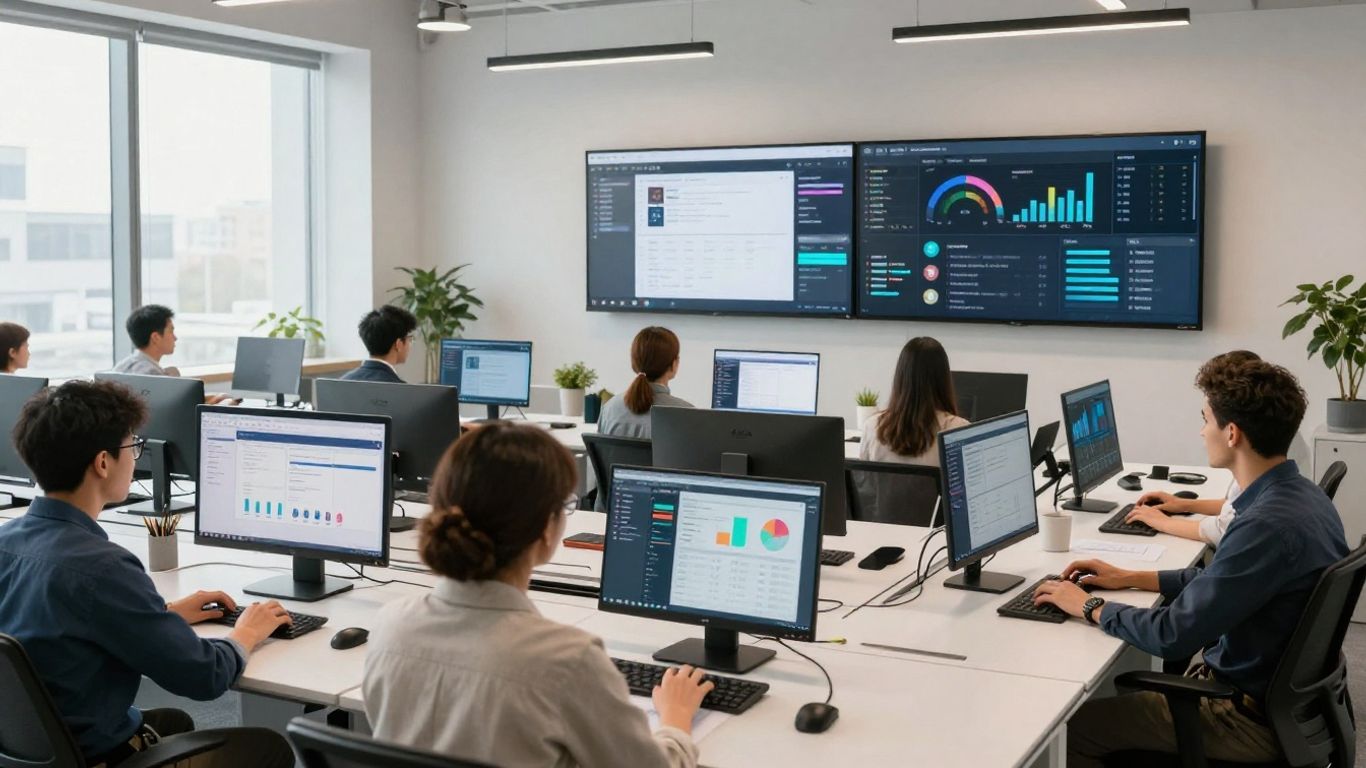
Remember when your work tools felt like a jumbled mess? Like trying to find a specific file across a dozen different apps? Well, that's becoming a thing of the past. In 2026, the big push is towards unified digital workplaces. This means bringing all your essential tools and platforms together into one cohesive space. Think of it as your digital command center, where everything you need is easily accessible and works together smoothly.
This shift isn't just about convenience; it's about making work flow better. When your communication apps, project management software, and document storage all talk to each other, you cut down on wasted time switching between windows and searching for information. It makes collaboration easier, especially for teams that are spread out. The goal is to reduce friction and boost productivity by creating a single, intuitive environment for all your work tasks.
Here’s what a unified digital workplace often includes:
- Integrated Communication: Chat, video calls, and email all in one place.
- Centralized Document Management: Easy access and sharing of files.
- Streamlined Project Tracking: Keeping tabs on tasks and progress without jumping between apps.
- Automated Workflows: Connecting different tools to handle routine processes automatically.
Moving towards a unified digital workplace means your business can adapt more quickly to changing work styles. It helps ensure everyone, whether in the office or working remotely, has the same access to information and tools, keeping teams aligned and productive.
This integration is key for businesses looking to stay competitive. It helps create a more consistent and positive employee experience, no matter where people are working from. It’s about making technology work for you, not against you, by simplifying the digital tools you use every day. For businesses looking to get a handle on their digital operations, exploring solutions that offer secure remote access can be a smart first step in building this unified environment.
8. Automation Tools
In 2026, automation tools are moving beyond just handling simple, repetitive tasks. They're becoming a core part of how businesses operate, aiming to boost productivity across the board. Think of it as giving your team a digital assistant that can take care of the grunt work, freeing them up for more important stuff.
These tools are great for streamlining processes. They can help reduce mistakes that happen when people do the same thing over and over. Plus, they speed things up. Whether it's managing software updates across many computers or sorting through customer inquiries, automation can make a big difference.
Here's a look at what automation can do:
- Streamline Workflows: Automate routine steps in projects or daily tasks.
- Reduce Errors: Minimize human mistakes in data entry or process execution.
- Improve Efficiency: Speed up operations and get more done in less time.
- Free Up Staff: Allow employees to focus on creative thinking and problem-solving.
The real power comes when automation is integrated thoughtfully into existing systems. It's not just about adding new software; it's about making your current operations run smoother. For example, IT teams can use automated systems to patch software vulnerabilities across all devices quickly, a task that used to take ages manually.
Businesses that embrace automation will find they can adapt more quickly to changing demands and gain a competitive edge. It's about working smarter, not just harder, by letting technology handle the predictable parts of the job.
9. Endpoint Management Systems

Keeping track of all the devices your team uses, whether they're company-issued or personal, is getting more complicated. That's where endpoint management systems come in. These systems are basically the IT department's command center for every laptop, tablet, and phone connected to your network. They help manage, secure, and monitor all these devices from one place.
Think about it: with hybrid work, people are connecting from coffee shops, home offices, and the main office. Each connection point is a potential entry for security risks. Endpoint management tools help IT teams keep an eye on everything, making sure software is up-to-date and security settings are locked down. This isn't just about preventing viruses; it's about making sure your business data stays safe, no matter where your employees are working.
Here's what these systems typically handle:
- Device Inventory: Knowing exactly what devices are connected and what's on them.
- Security Patching: Pushing out updates and security fixes automatically to prevent vulnerabilities.
- Policy Enforcement: Making sure all devices follow company rules, like password strength or encryption.
- Remote Troubleshooting: Helping fix issues on a device without needing to physically touch it.
- Software Deployment: Installing necessary applications across multiple devices at once.
As more companies adopt flexible work arrangements, the need for robust endpoint management becomes even more pronounced. It's not just a nice-to-have; it's becoming a necessity for maintaining a secure and productive digital environment. Investing in the right systems means your IT team can spend less time chasing down rogue devices and more time on strategic projects. This also helps in collecting feedback and taking action on device performance and security issues.
The complexity of managing a distributed workforce means that IT departments can no longer rely on manual processes. Automated endpoint management is key to maintaining control and security over a diverse range of devices and operating systems. This proactive approach reduces the burden on IT staff and minimizes the risk of security breaches, allowing businesses to focus on their core operations.
10. Ergonomic Peripherals
It might seem like a small thing, but the gear your employees use every day really adds up. We're talking about keyboards, mice, headsets, and even monitor stands. In 2026, businesses are really starting to see the value in providing good ergonomic peripherals.
Think about it: if someone's hunched over a laptop all day, or their wrist is at a weird angle on a cheap mouse, they're not going to be comfortable. That discomfort can lead to all sorts of issues, from minor aches to more serious repetitive strain injuries. And when people are in pain, they're not productive. Investing in quality peripherals is a direct investment in employee well-being and output.
Here’s a quick look at what to consider:
- Keyboards: Look for split keyboards, those with adjustable tenting, or even low-profile options that keep wrists straighter.
- Mice: Vertical mice can be a game-changer for reducing wrist pronation. Trackballs are another option for those who prefer not to move their whole arm.
- Headsets: Comfortable earcups and a clear microphone are key, especially for those on frequent calls. Noise-canceling features can also help with focus.
- Webcams: Better video quality means clearer communication, reducing misunderstandings and the need for follow-up.
The shift towards hybrid and remote work means we can't just assume everyone has a perfect setup at home. Providing standardized, quality equipment helps level the playing field and shows employees you care about their comfort and health. It's not just about fancy tech; it's about practical tools that make work easier and healthier.
Companies are moving away from the old "just give them a laptop" approach. Instead, they're realizing that equipping employees with a decent mouse, keyboard, and headset can make a big difference. It's a relatively small cost when you consider the potential gains in productivity and the reduction in health-related absences. Plus, it just makes people feel more valued when their employer thinks about these details. It's about creating a workspace that supports the person, not just the task. This focus on the employee experience is becoming a major differentiator for businesses looking to attract and keep good talent.
Make your workspace comfy and productive with the right gear. Good tools can make a big difference in how you feel and work. Want to see what we recommend? Visit our website for the best picks!
Wrapping It Up
So, the workplace in 2026 is looking pretty different, right? We've talked about how hybrid setups are becoming the norm, not just some special perk. AI is stepping in to help with the daily grind, and things like making sure everyone feels included and has chances to learn are actually becoming big deals for how well a company does. It’s a lot to take in, but honestly, it’s about making work better for everyone. Start small, maybe with how you handle hybrid work or trying out some AI tools. You’ll probably see a difference sooner than you think, and your team will thank you for it down the road.
Frequently Asked Questions
What is hybrid work and why is it important for businesses?
Hybrid work means some days you work at the office and some days you work from home. It's important because it gives people flexibility while still allowing for teamwork. Businesses need to plan this carefully so everyone knows when and how to connect.
How will AI change office work in 2026?
AI, like smart assistants, will help with everyday tasks. Think of them as helpers that can do repetitive jobs, organize your schedule, or even find information quickly. This frees up people to focus on more important and creative work.
Why are video conferencing tools still important?
Even with people working together in person sometimes, video calls are still key to connect with colleagues who are far away. They help teams share ideas and keep projects moving, no matter where everyone is located.
What are collaboration platforms?
These are like digital hubs where teams can share files, chat, and work on projects together. They make it easier for everyone, whether in the office or remote, to stay on the same page and get things done as a group.
What is remote access software and why do businesses need it?
This software lets employees securely connect to their work computers and files from anywhere. It's super helpful for hybrid work, allowing people to get their job done whether they're at home or traveling.
Why should businesses think about ergonomic accessories?
Ergonomic items like special keyboards or mice help people work more comfortably and prevent strain. When employees are comfortable, they can focus better and are often more productive and happier.


Comments
Post a Comment